
Screenshots
App details
- Updated
- Jun 26, 2025
- Language
- English
- Developer
- Blaiz Enterprises
- Category
- Mobile
SoftPas in:
This product is also available in the following languages:
About Mixed Cursor Collection
Download Mixed Cursor Collection – Custom Cursor Design, Animated Cursors, Colorful Cursors, Cursor Collection, Cursor Utility
Overview
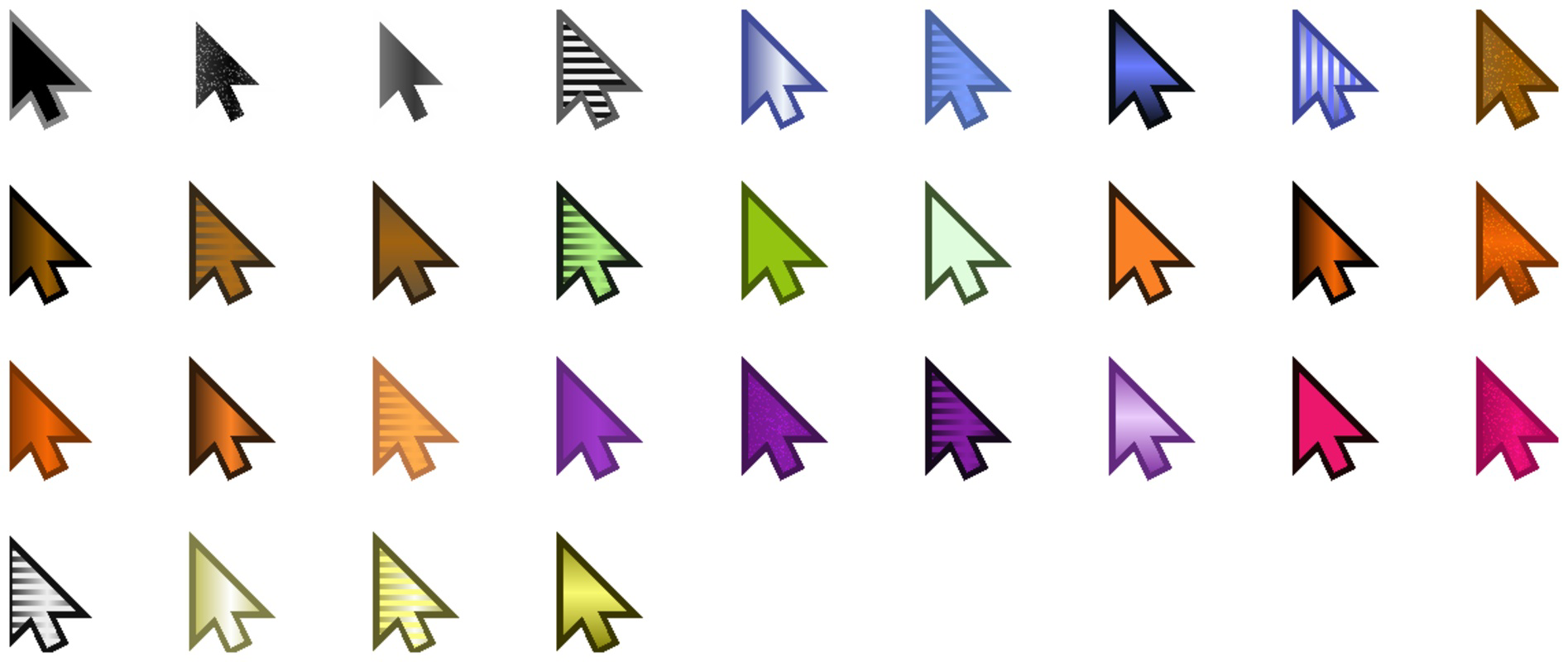
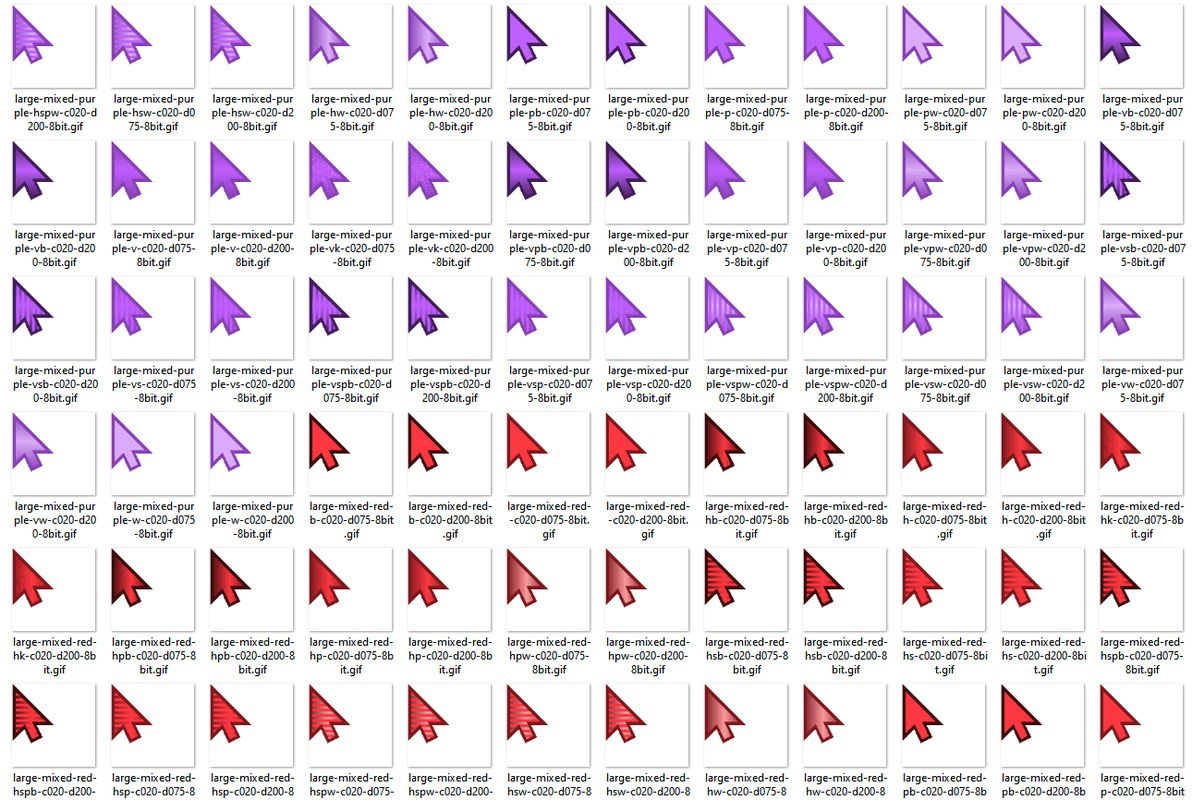
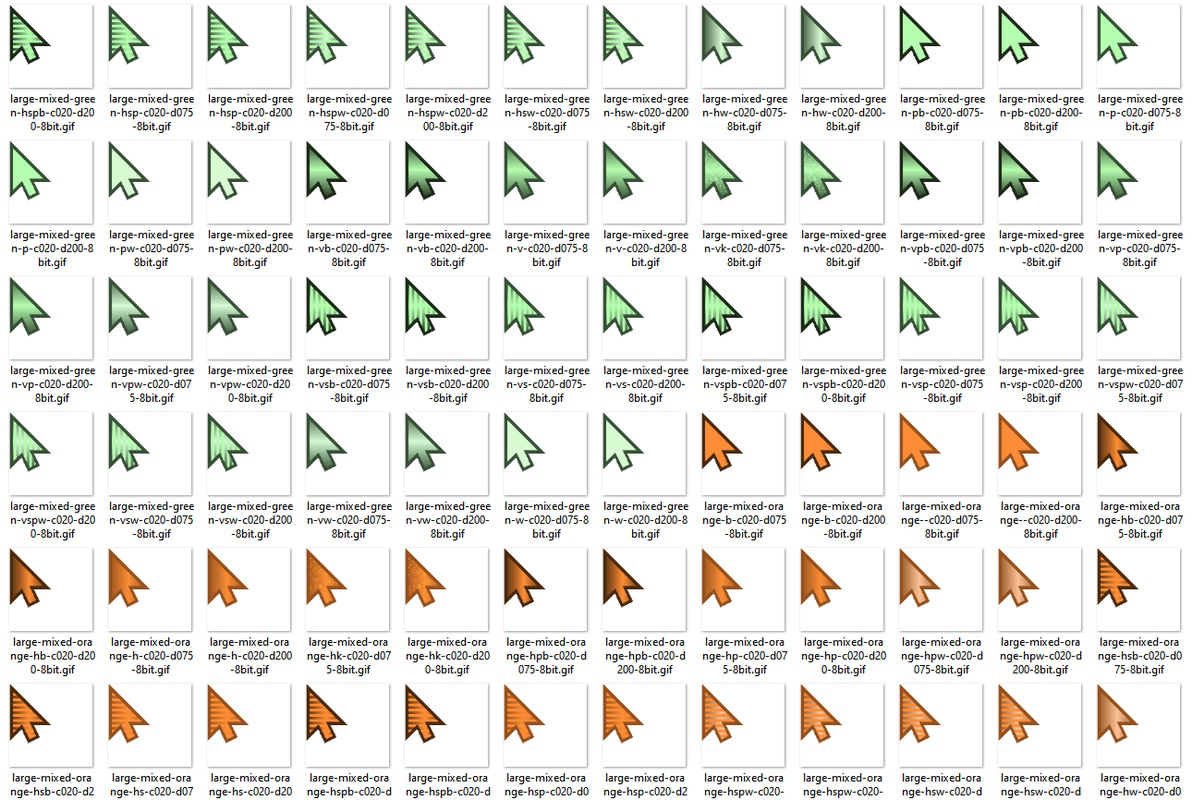
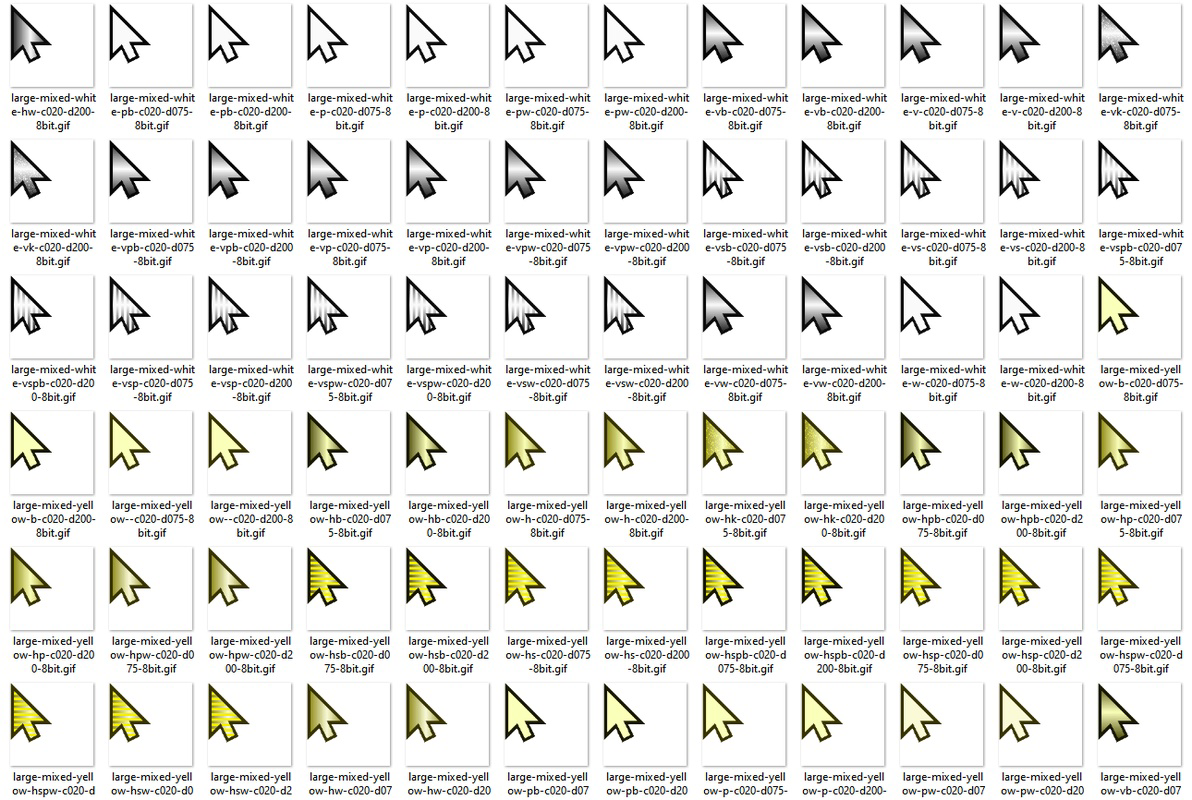
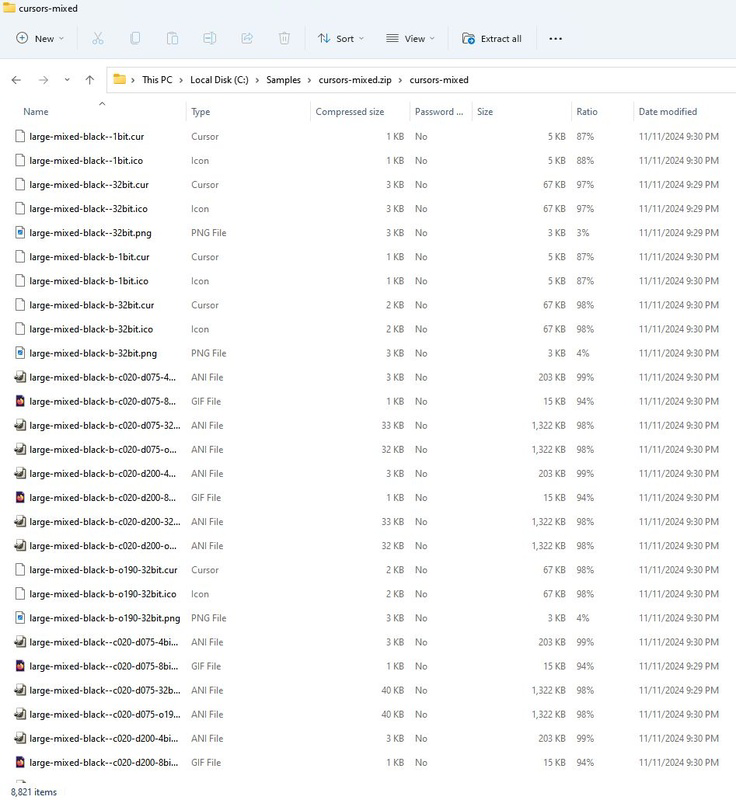
The Mixed Cursor Collection is a specialized mobile tool designed for users seeking to personalize their digital interface experience through a diverse and extensive selection of cursor designs. It offers a curated library of both animated and static cursor formats, enabling users to enhance their smartphone or tablet’s visual appeal and interaction style. The app serves as a utility for individuals who value aesthetic customization, including casual users, digital artists, and design enthusiasts. By providing over 8,820 standard arrow pointers across multiple color palettes and visual effects, it addresses the growing demand for unique, expressive digital elements in mobile environments.
Although the developer did not provide additional background information, the app appears to be focused on visual customization and efficiency. Its use cases range from personalizing device interfaces for visual enjoyment to supporting creative workflows where cursor style impacts design presentation. In the broader mobile app ecosystem, such tools are increasingly valued for their ability to extend user control beyond standard system settings. The collection’s emphasis on compression-friendly design further underscores its utility in optimizing storage while maintaining visual quality, making it suitable for users managing large collections of digital assets.
Key Features & Functionality
- Extensive Color Variety: The collection includes cursors in yellow, red, blue, orange, green, white, black, purple, and brown, offering users a broad spectrum of visual choices to match their personal or project-specific themes.
- Dynamic Visual Effects: Features include sparkles, shading, and color cycling, with both fast and slow animations to suit different user preferences and interface contexts.
- Multiple Format Support: Compatible with animated formats such as .ani and .gif, as well as static formats like .cur, .ico, and .png, ensuring broad usability across various applications and platforms.
- Adaptive Color Depths: Supports 4bit, 8bit, and 32bit color depths, allowing users to balance visual fidelity with performance and storage efficiency based on their device capabilities and use case.
- Storage-Efficient Design: Engineered for extreme compression without quality loss, enabling users to maintain a large library of cursors without consuming excessive device space.
For example, a user might choose a slow-cycling purple cursor with subtle sparkles for a meditative app interface, while a designer could use a high-fidelity 32bit animated cursor for a presentation demo. The flexibility in format and depth ensures compatibility with both legacy and modern systems, enhancing its practicality across different scenarios.
Interface, UX & Performance
The user interface of Mixed Cursor Collection is designed to prioritize accessibility and visual clarity, allowing users to browse through its vast library with minimal friction. Navigation is structured around categorization by color and effect, enabling quick filtering and selection. The layout supports intuitive interaction, with clear visual cues and responsive feedback during selection and preview. Although the developer did not list formal performance metrics, the app’s compression-friendly architecture suggests optimized loading and rendering performance, particularly beneficial on devices with limited processing power or storage.
Responsiveness across different screen sizes and device categories is likely maintained through adaptive design principles, though specific compatibility details were not disclosed. Stability appears to be a focus, given the emphasis on efficient resource management. Users can expect smooth transitions between cursor previews and consistent behavior during application use. The app’s lightweight nature may contribute to reduced battery consumption and faster access times, making it suitable for extended use without noticeable lag.
Platform Compatibility & Technical Requirements
Mixed Cursor Collection is available on Android, supporting the latest versions of the operating system. The app’s file size is 147.4 MB, which reflects its substantial content library and compressed design. The developer did not specify minimum OS requirements or device compatibility beyond the platform, so users should ensure their devices meet standard Android system criteria for app installation. No additional technical specifications were provided, such as RAM or processor requirements.
Given the app’s focus on efficient storage, it is likely optimized for a wide range of Android devices, including mid-tier and budget models. However, users should verify that their device supports the required file formats and display capabilities to fully utilize the collection’s features. The release date of the app is 2025-06-26, indicating it is a recent addition to the mobile customization space.
Pros and Cons
Pros
- Large library of over 8,820 cursor designs with diverse color and effect options.
- Support for multiple formats including animated (.ani, .gif) and static (.cur, .ico, .png) types.
- Efficient compression maintains quality while minimizing storage usage.
- Flexible color depth settings (4bit, 8bit, 32bit) for varied visual and performance needs.
- Designed for ease of use with intuitive browsing and filtering by color and effect.
Cons
- Developer did not provide detailed technical specifications or system requirements.
- Compatibility with iOS or other platforms was not confirmed.
- Specific performance data, such as load times or battery impact, was not disclosed.
- No information on update frequency or future feature roadmap.
- Limited details on how cursors are applied within the device interface.
FAQ
Is Mixed Cursor Collection available for iOS devices?
The app is currently available only on Android. No official iOS version has been announced.
Can I use these cursors on my desktop computer?
While the app is designed for mobile use, some of the exported cursor files may be compatible with desktop systems, depending on the format and operating system.
Are the cursor files safe to download and install?
The app is designed with security in mind, but users should only install content from trusted sources and ensure their device has proper security settings enabled.
How do I apply a cursor from the collection to my device?
Specific application instructions were not provided. Users may need to export the cursor file and apply it through device settings or third-party tools.
Is the app free to download and use?
The app’s pricing was not disclosed. Users should check the app store listing for current pricing and availability.
Final Thoughts
Mixed Cursor Collection stands out as a robust, visually rich utility for users who prioritize customization and aesthetic expression in their mobile experience. Its extensive library, format versatility, and storage-efficient design make it a compelling choice for both casual users and creative professionals. While some technical details remain undisclosed, the app’s focus on performance and usability suggests a well-considered development approach. For anyone looking to elevate their device’s interface with unique, animated, or colorfully styled cursors, this app offers a powerful toolkit. With its recent release and comprehensive feature set, it fills a niche in the mobile customization space.
Download Mixed Cursor Collection now
Guides & Tutorials
How to install Mixed Cursor Collection
- Click the Download button above.
- Once redirected, accept the terms and click Install.
- Wait for the Mixed Cursor Collection download to finish on your device.
How to use Mixed Cursor Collection
This software is primarily used for its core features described above. Open the app after installation to explore its capabilities.
User Reviews
No reviews yet. Be the first to share your experience.
You may also like
more
Que no te pillen¡
About !Que no te pillen¡Reviewed by Jason A. BilbreyShow MoreShow Less

3D Combat Zone
About 3D Combat ZoneOriginally released in 1983, 3D Combat Zone immerses players...

666: El día del portal
About 666: El día del portalOn June 6, 2006, Agent P. Stone uncovers a sinister...

80 in 1 Best Flash games
About 80 in 1 Best Flash games 80 in 1 Best Flash games is a collection of 80 fl...

ABYSS SEEKERーーWhat Do You See Deep in The Abyss
About ABYSS SEEKERーーWhat Do You See Deep in The AbyssIn ABYSS SEEKER, players...

ACA NEOGEO THE KING OF FIGHTERS 2002 for Windows
About ACA NEOGEO THE KING OF FIGHTERS 2002 for WindowsTHE KING OF FIGHTERS 2002,...